How to open a Selvelia account
It takes a couple of minutes, and every account starts as a patient account.
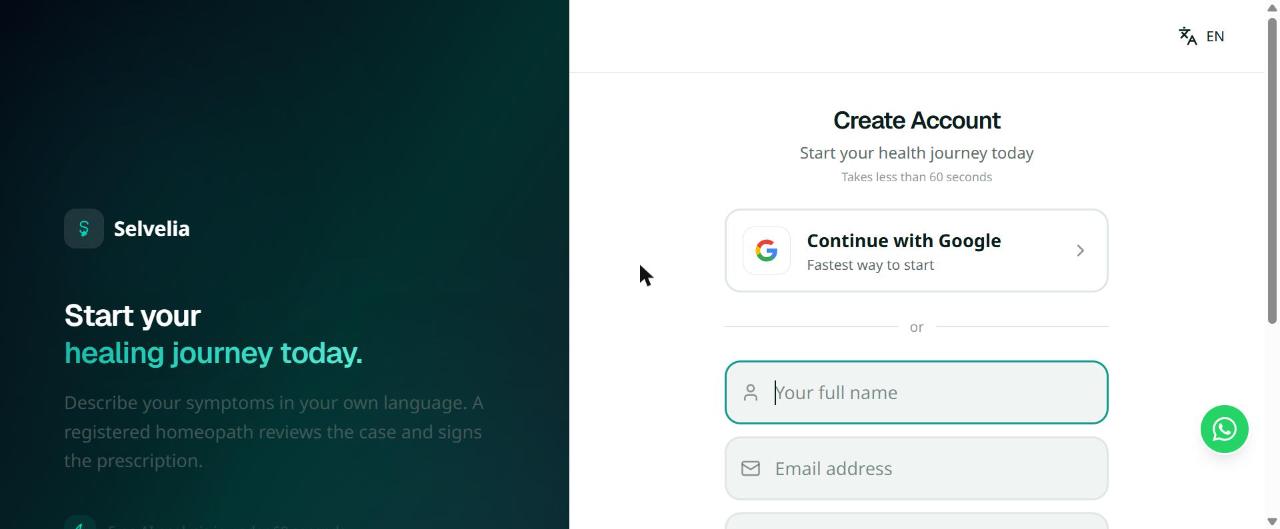
Sign up
- Every new account starts as a patient account — there is no role picker at sign-up.
- Google sign-up needs no password; the email form asks for your name, email and a password of at least 6 characters.
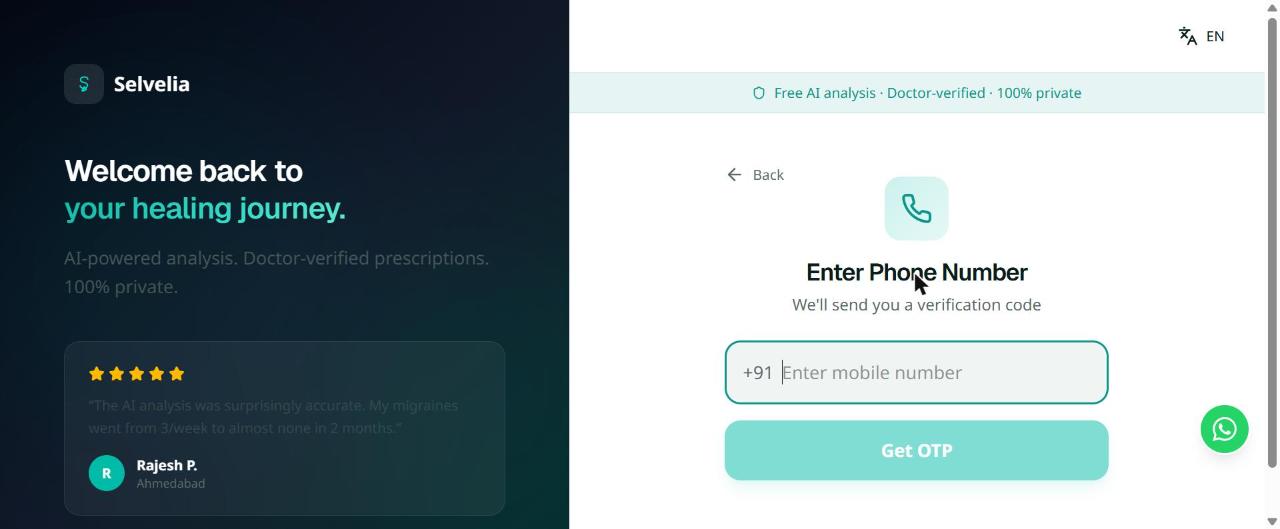
Or sign in with your phone
- If it’s your first time, this creates a new account the same way sign-up does — you’ll land on the same onboarding step next.
- The code is 6 digits and expires quickly; you can request a new one after 60 seconds.
Complete onboarding
- This only appears once, right after your first sign-in.
Want a doctor or student account instead?
- An admin reviews and approves the application before doctor or student access is granted.
Frequently asked
Do I need to pick a role when I sign up?
No. Every new account is created as a patient account by default. Doctor and student access is granted separately after an application is reviewed.
What if I only have a phone number, not an email?
Use phone sign-in on the Login page — Google sends a one-time code by SMS, and no password or email is required.
I forgot my password — what now?
Use Forgot Password on the login screen if you signed up with email. If you signed up with Google or your phone, sign in the same way you originally did instead.
Is creating an account free?
Yes. Creating an account, describing your case and getting a free AI analysis all cost nothing. You only pay if you choose to have a doctor review your case, book a consultation, or order medicine.
Once you're in, see How to Use Selvelia for a walkthrough of what to do next, or contact us if you run into trouble signing in.